
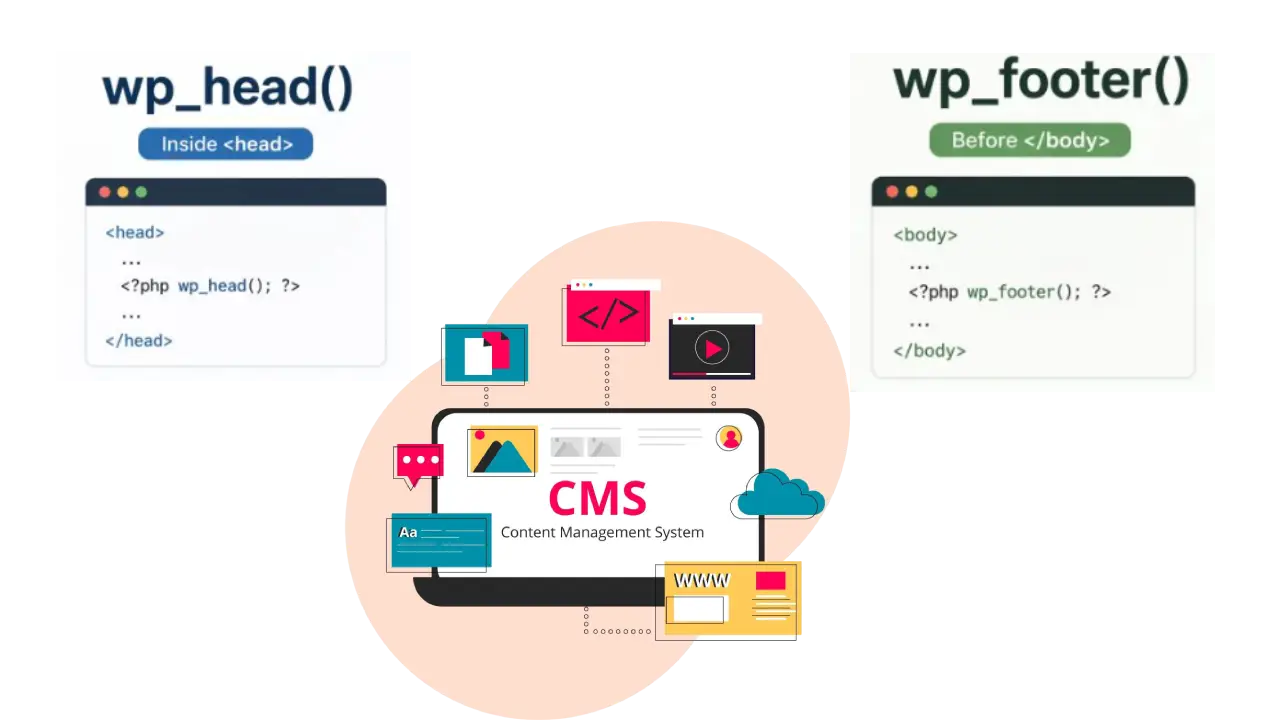
When developing a WordPress theme, two small but extremely important functions often get overlooked: wp_head() and wp_footer(). They may look simple, but these functions are essential for website performance, plugin compatibility, SEO, and overall functionality.
If you’re building custom themes or learning WordPress development, understanding them is a must.
What is wp_head()?
WordPress wp_head() is a core WordPress function placed inside the <head> section of your theme, usually in the header.php file.
Example:
<!DOCTYPE html>
<html <?php language_attributes(); ?>>
<head>
    <?php wp_head(); ?>
</head>
What does wp_head() load?
It is commonly used for:
- Meta tags
- CSS stylesheet files
- Google Fonts
- SEO plugin metadata
- Critical JavaScript files
- Plugin-generated code
- Security-related headers
Anything required before the page starts rendering is generally added here.
What is wp_footer()?
wp_footer() is another important WordPress function that should be placed before the closing </body> tag, usually inside footer.php.
Example:
<body>
   ...
   <?php wp_footer(); ?>
</body>
What does wp_footer() load?
It is commonly used for:
- JavaScript files
- Analytics scripts
- Tracking pixels
- Third-party integrations
- Chat widgets
- Lazy-loaded scripts
- Performance optimization scripts
These scripts load after the main page content, helping improve page speed.
Difference Between wp_head() and wp_footer()
| Function | Location | Purpose |
|---|---|---|
wp_head() | Inside <head> | Load styles, meta tags, fonts, critical assets |
wp_footer() | Before </body> | Load JavaScript, analytics, third-party scripts |
Why Are These Functions Important?
Many beginners remove them while creating custom themes without realizing the consequences.
If missing, it can cause:
- Plugins not working properly
- Tracking scripts failing
- CSS or JavaScript not loading
- SEO plugins breaking
- Analytics not tracking visitors
Since plugins hook into these functions, removing them can affect your entire website.
Performance Benefits
A common optimization practice is:
Load in wp_head()
- Essential CSS files using in theme
- Fonts family files using in theme
- Critical scripts required immediately
Load in wp_footer()
- JavaScript files
- Google Analytics
- Marketing scripts
- Third-party integrations
This improves:
- Faster page rendering
- Better Core Web Vitals
- Improved user experience
- Better SEO rankings
Best Practice for WordPress Developers
Follow this simple rule:
Head Section → Only essential resources
Footer Section → Non-critical scripts
This keeps your website fast and ensures maximum compatibility with plugins.
Final Thoughts
In WordPress development, small functions often make the biggest difference. wp_head() and wp_footer() are not just template tags — they act as connection points between your theme, plugins, and WordPress core. If you are building custom themes, never skip them.
Small functions. Big impact.